Part 2: The Step-by-Step Application
In Part 1, we covered what BankID is and what you need before applying. Now, let’s walk through the most important phase: the application process itself. This guide will take you from choosing a bank to activating the app on your phone.
Step 1: Choose Your Bank & Prepare Your Documents
Nearly all major banks in Sweden issue BankID, including Swedbank, SEB, Handelsbanken, and Nordea. When choosing, consider factors like branch convenience, fees, and the quality of their online services.
Required Documents Checklist:
When you go to the bank to open an account and apply for BankID, you must bring original documents. Be prepared with:
- Valid Passport: Your primary form of photo identification.
- Swedish ID Card (if you have one): This is the best form of ID if you’ve already obtained it.
- Proof of Personnummer: An official letter or decision from Skatteverket.
- Proof of Address: A formal rental contract or a recent utility bill with your name and address.
- Proof of Income/Occupation: An employment contract, recent payslips, or a letter of acceptance if you are a student.
Step 2: The Bank Appointment – What to Expect
You will need to book an appointment and visit a bank branch in person. This is a mandatory security step.
- Book an Appointment: Use the bank’s online booking system or call them to schedule a meeting to “open an account” and “get a BankID”.
- The Interview: Arrive on time. A bank advisor will meet with you. They will carefully verify your identity and review all your documents. This is a strict process to comply with anti-money laundering (KYC) regulations.
- Account Setup: If you don’t already have an account, they will set one up for you.
- BankID Application: Once your identity is confirmed and your account is active, the advisor will initiate the BankID application process for you.
Step 3: Technical Setup & Activation on Your Phone
This is the final step, usually done right there in the bank with the advisor’s help.
Important: Make sure your smartphone is fully charged, has an internet connection, and that you have downloaded the official “BankID” app from the App Store or Google Play before your appointment.
Activation Process:
- The bank advisor will generate a temporary activation code for you.
- You will open the BankID app on your phone.
- You will be prompted to scan a QR code on the advisor’s screen or enter the temporary code.
- The app will then ask you to set your permanent security code (6 digits) and, if supported, activate fingerprint or face recognition.
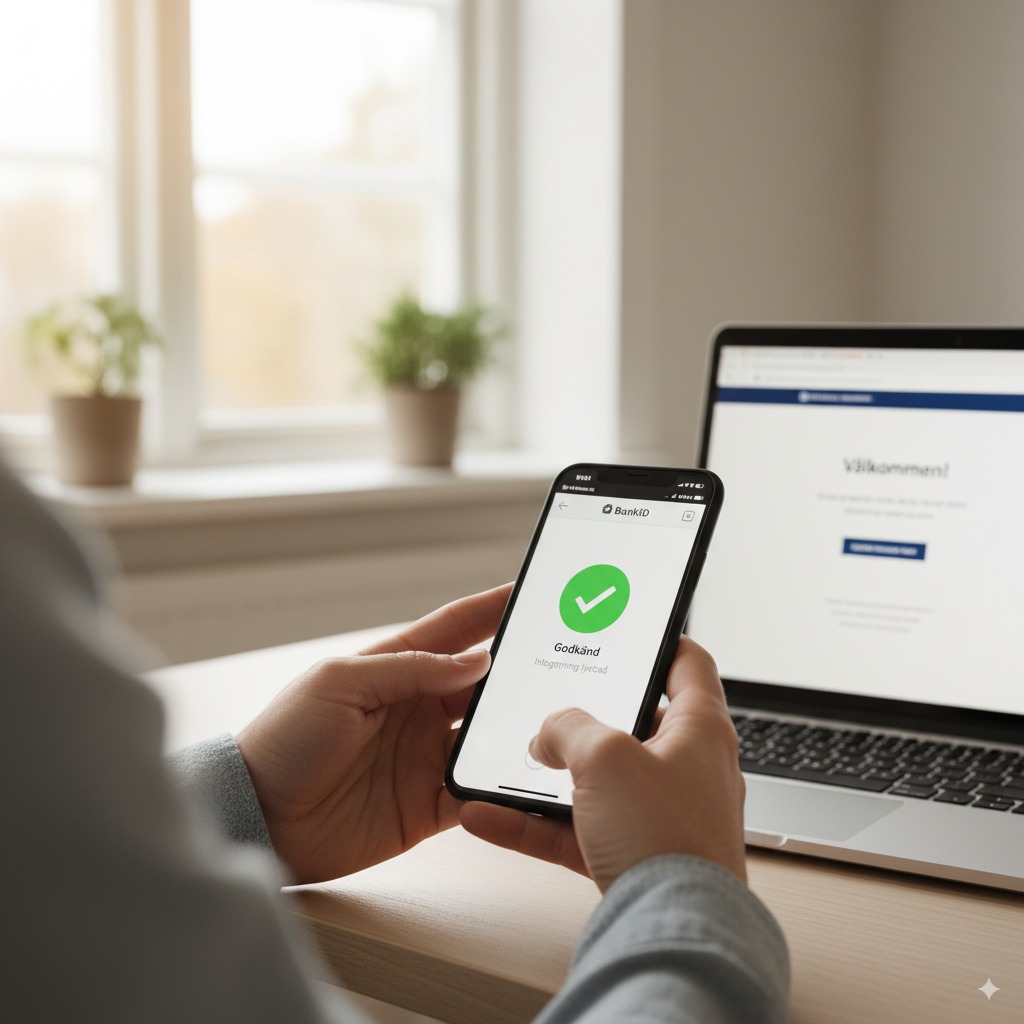
- Once complete, the advisor will likely ask you to perform a test login to their online banking system to confirm that everything works correctly.
Congratulations, you now have BankID! Continue to Part 3 to learn how to master its use in your daily life.